Blog

At this blog you will be able to follow the development of Costa. Every now and then I will post about the current status of the project, tell news about Costa, and talk a little about future goals. Atom feed is available, for those who want to keep posted.

1.7.1 released - speed and size is key

Posted
Screenshot

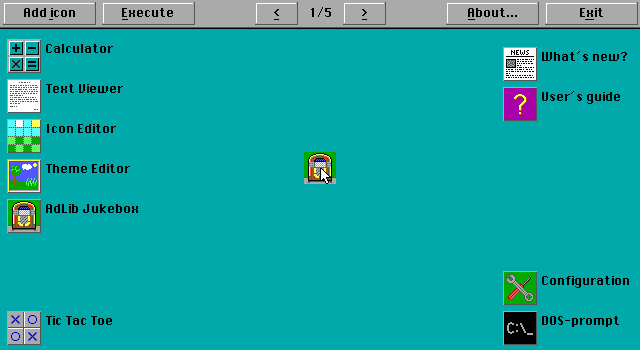
For once, a new version of Costa - version 1.7.1 - does not bring any new features. Instead, focus has been on improving performance, and on reducing the size of Costa on disk.

Read more...

Screenshot

New year, new release of Costa

Posted
Screenshot

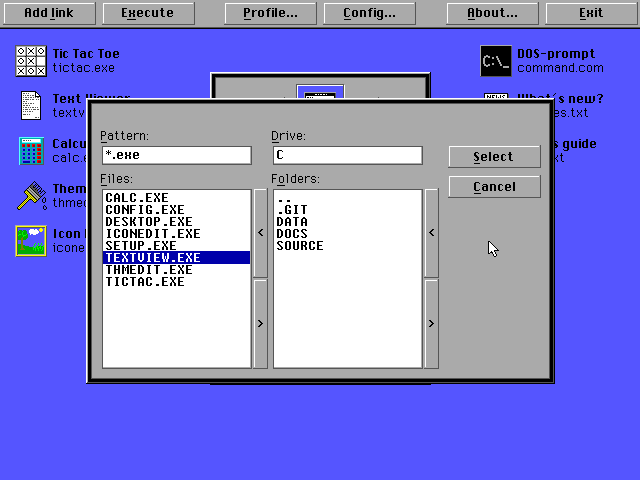
2023 has arrived, and with it comes a new release of Costa - version 1.7.0. This version brings a lot of small improvements, but also one major new feature: A file selection dialog. Gone are the days when users would have to enter paths and filenames when adding links to the desktop. Now, users can visually select the file they want to open.

Read more...

Screenshot

Building a better feature

Posted
Screenshot

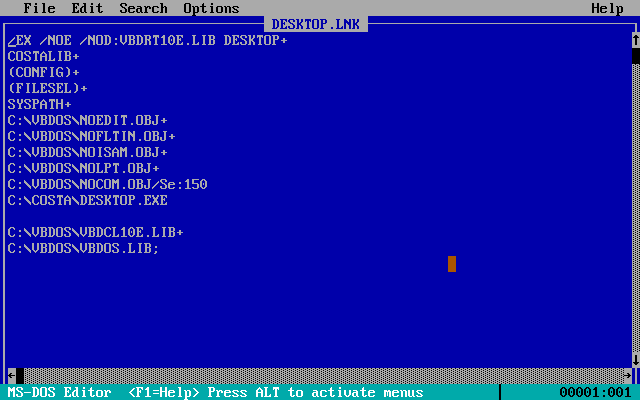
When I started developing for DOS some 20+ years ago, I knew nothing about code versioning systems like Git, nor did I have any idea about automating builds. I just did everything manually, building each separate program from within the IDE before loading the next. Obviously, I have learned a lot since then, but I never really changed the way I did things when it came to Costa. But now I’ve made some changes to make things easier for myself.

Read more...

Screenshot

Where's my file?

Posted
Screenshot

One of the aims of Costa has always been to make it easier for the average person to launch their games and programs, on real DOS machines and in emulators such as DOSBox. This is accomplished by having easy access through links on the desktop. However, creating these links is a manual process, where the executable name and path must be known beforehand. Not a very user-friendly solution - but that’s about to change.

Read more...

Screenshot

New release of Costa - version 1.6.0

Posted
Screenshot

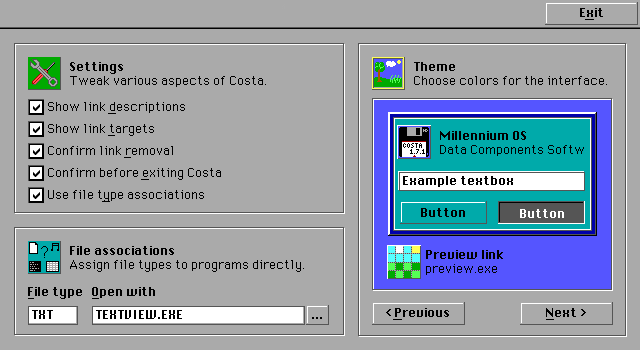
It’s that time again - a new version of Costa has been released, after almost 6 months of waiting. This time, the most notable feature is the ability to switch between two screen modes on-the-fly - EGA and VGA. Almost all icons have been replaced with new ones in order to rid Costa of the only proprietary content that was included, and a new default theme is used. And, as always, there are bugfixes and other improvements.

Read more...

Screenshot

Graphics modes - EGA and VGA

Posted
Screenshot

Since its inception in 2004, Costa has always used VGA graphics. More specifically, it used the standard VGA 640x480 pixels resolution, with 16 colors. I chose this resolution, because I liked the relatively sharp graphics it can produce, and the amount of screen real estate it provides. But, this graphics mode has a couple of drawbacks.

Read more...

Screenshot